 Free Online Image Optimizer
Photographed paperwork, small enough to upload
Eight pages photographed on a phone is around thirty megabytes, which no portal will accept and no mail server will carry. The obvious fix — compress harder — is the wrong one here: paperwork is mostly small dark text on white, which is exactly what compression damages first. This walks through doing it properly, and through the check to do before you send.
Shrink photographed or scanned pages →
Photograph the pages properly first
Everything downstream is easier if the photographs are good, and it takes no longer. Lay the page flat. Get even light on it — daylight from the side rather than a ceiling lamp directly overhead, which throws your own shadow across the page. Hold the camera square over the middle of the page rather than at an angle, so the text runs straight rather than tapering.
Take them in order. The filenames a camera gives you are sequential, and this page keeps that order, so page seven stays page seven.
The tool is at Shrink photographed or scanned pages.
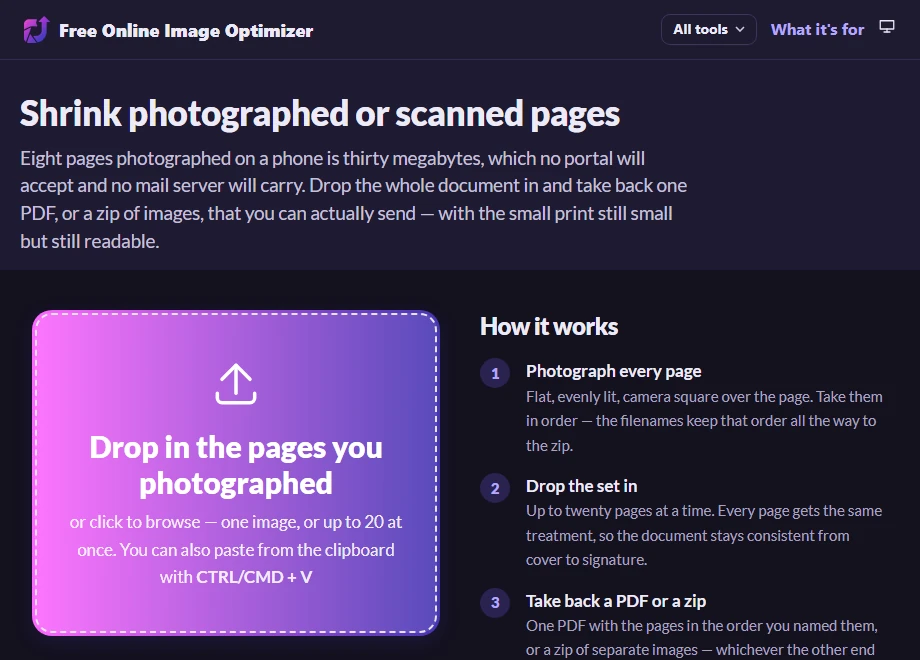
Drop the set in
Up to twenty pages at a time. Every page gets identical treatment, so the document stays consistent rather than having one page that looks softer than its neighbours.
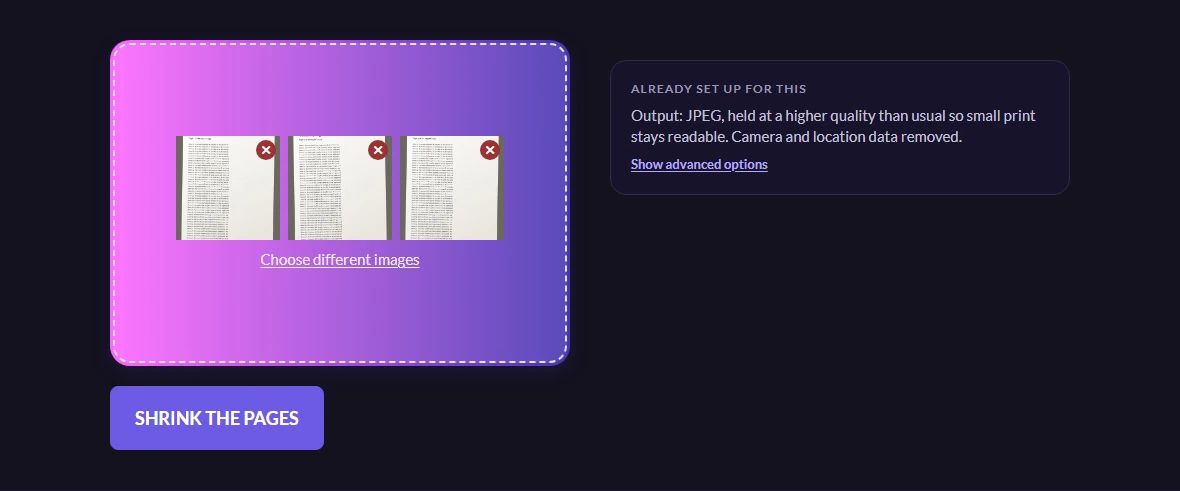
This page pins the quality at 75 where every other page on the site leaves it automatic, and that one setting is the entire difference between it and the bulk page. It matters more than it sounds: the compression artefacts that are invisible on a landscape are exactly what turns 8-point text into mush, because sharp dark edges on white are the hardest thing for a JPEG encoder to keep.
Check the small print before you send it
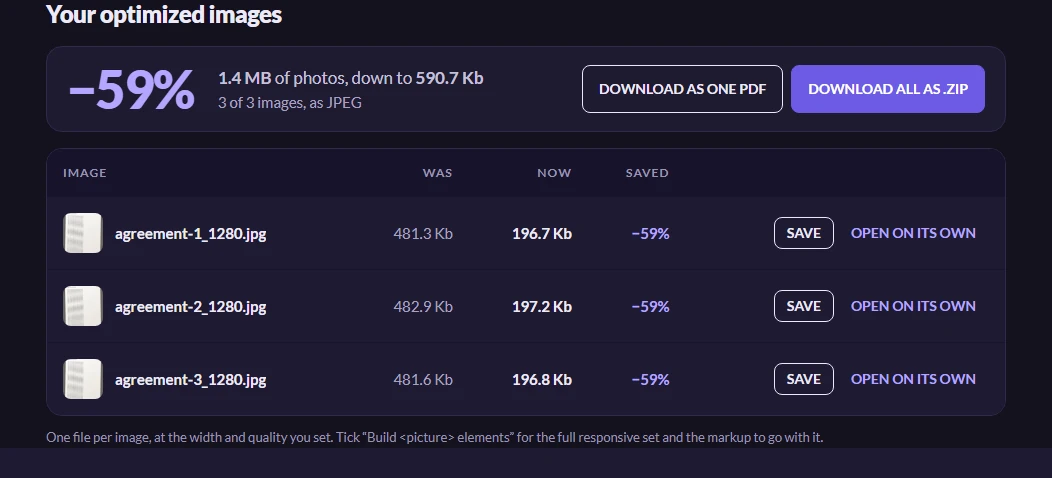
The saving on photographed paper is dramatic, because a phone photograph of a page carries an enormous amount of detail that a reader of the page does not need.
Then do the one check that matters: open the page with the smallest print on it at full size — Open on its own, or hover its thumbnail to see it large — and read the smallest line on it. If you can read it, so can the person at the other end. If you cannot, nothing else about the file matters.
Worth knowing
Why the photographs were so enormous
A modern phone camera is twelve megapixels or more, and it is pointed at a sheet of paper that is mostly white. Compression works by finding detail that can be discarded, and a flat white field with sensor noise across it looks like detail — so the file stays big while carrying nothing. Thirty megabytes of paperwork is thirty megabytes of noise and margins.
There is no PDF out
You get images, not a document. Turning page photographs back into a PDF makes a file far larger than the paperwork deserves, because it stores pixels rather than text, and it is not searchable either — so it is deliberately not offered.
If the source was already a PDF and you want the pages as pictures, that is the other direction.
Is it sensible to put a contract through a website
A fair question, and the honest answer is that it depends what the page is. The file is uploaded to be processed and deleted automatically afterwards, and it is used for nothing else — the privacy notice is the binding version. For an ID document or something under an NDA, a desktop tool that never sends the file anywhere is the more conservative choice, and choosing it is not paranoia.
More than twenty pages
Two passes, and take two zips. The filenames keep the order across both, so the pages still sort correctly once they are in the same folder.