 Free Online Image Optimizer
Checking what a photo is carrying before you send it
Every photo a phone takes has a second file hidden inside it. Not the picture: a block of notes the camera wrote alongside it, which travels with the file wherever it goes. Usually that block says where you were standing, to within a few metres, and the second you pressed the button. This walks through reading it — on a holiday snapshot that turns out to say rather more than its owner expected.
See what your photo is carrying →
Start with a photo you were about to send
The tool is at See what your photo is carrying. It takes one picture at a time, and unlike every other tool on this site it produces nothing: there is no output file, no settings to choose and no button to press. It reads the file and tells you what is in it.
It also never uploads your photo. The reading happens in the browser, on your own device, which matters more on this page than on any other — a tool that exists to tell you a file is carrying your home address should not be the thing that sends it somewhere.
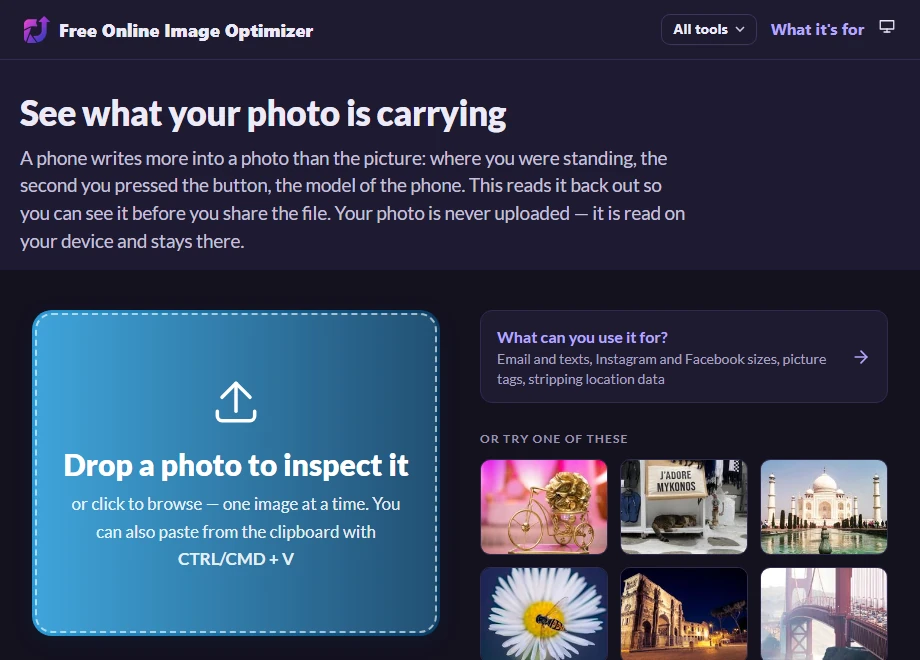
The answer appears as soon as the photo does
Choose a picture and the report is there. The first line is the verdict, and the order of what follows is deliberate: the place you were standing comes first, because it is the one item on the list that can identify your home. Nobody was ever harmed by their aperture, so the camera settings come last.
The coordinates are given twice — in degrees and minutes, the way a camera records them and a map reads them back, and as two decimal numbers you can copy. The link beside them opens the position on a map, and it is only a link: the coordinates reach Google if you click it, and not before.
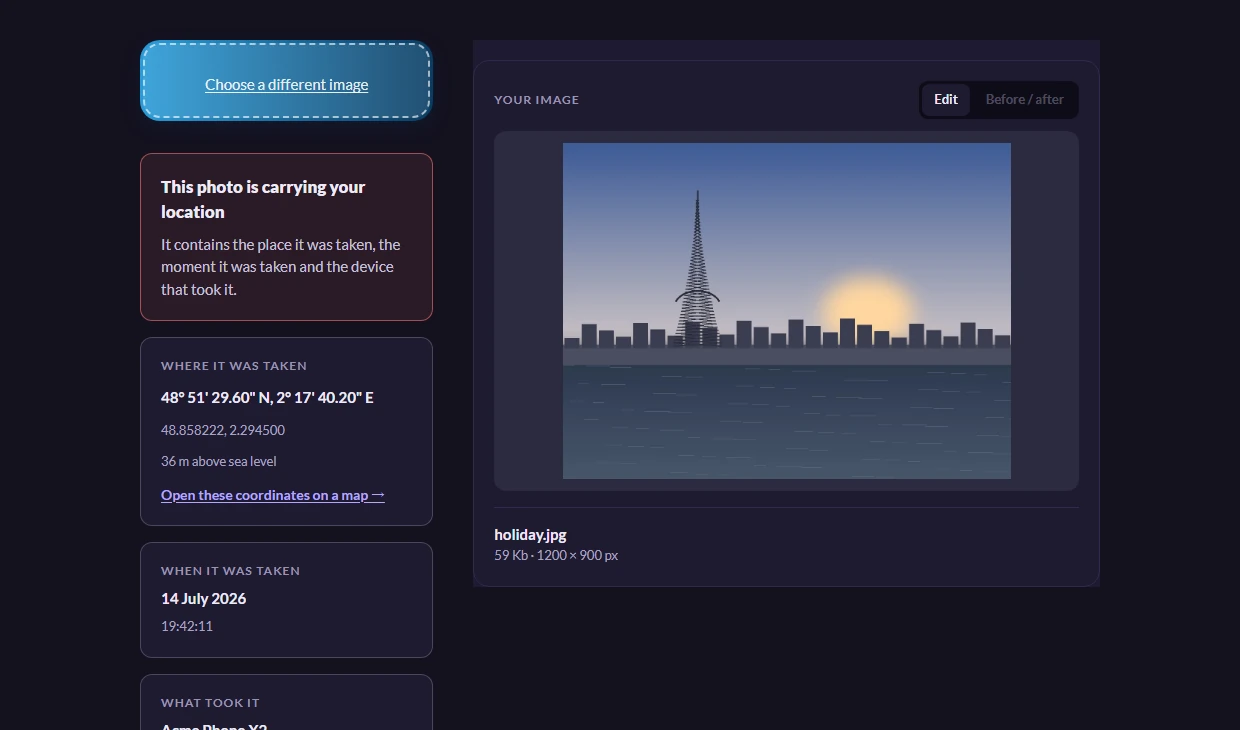
What the position actually gives away
A GPS fix from a phone is accurate to a few metres. That is the difference between knowing someone was in Paris and knowing which doorway they stood in. Pair it with the timestamp, which is recorded to the second, and the file says where you were and exactly when.
It matters in ordinary situations rather than dramatic ones. A set of holiday photos tells a stranger your house is empty and for how long. A photo of a bike for sale tells a buyer where the bike is kept. A picture taken at home and posted anywhere tells anyone who cares to look where you live — and most people have never seen this block of notes, because nothing on a phone shows it to you.
If it says nothing, that is an answer too
Plenty of photos come back clean, and the page says so plainly rather than showing you an empty panel. Screenshots carry almost nothing. Pictures that have been through a large social network usually come back stripped, because most of them remove metadata when you upload — after reading it themselves. A photo that has been edited and re-saved has often lost it along the way.
And if a photo straight off your phone shows no location at all, that is not a fault: it means the camera app never had permission to use it. Which is worth knowing, because it is the setting that decides this for every photo you take from now on.
Taking it off, with the photo already in hand
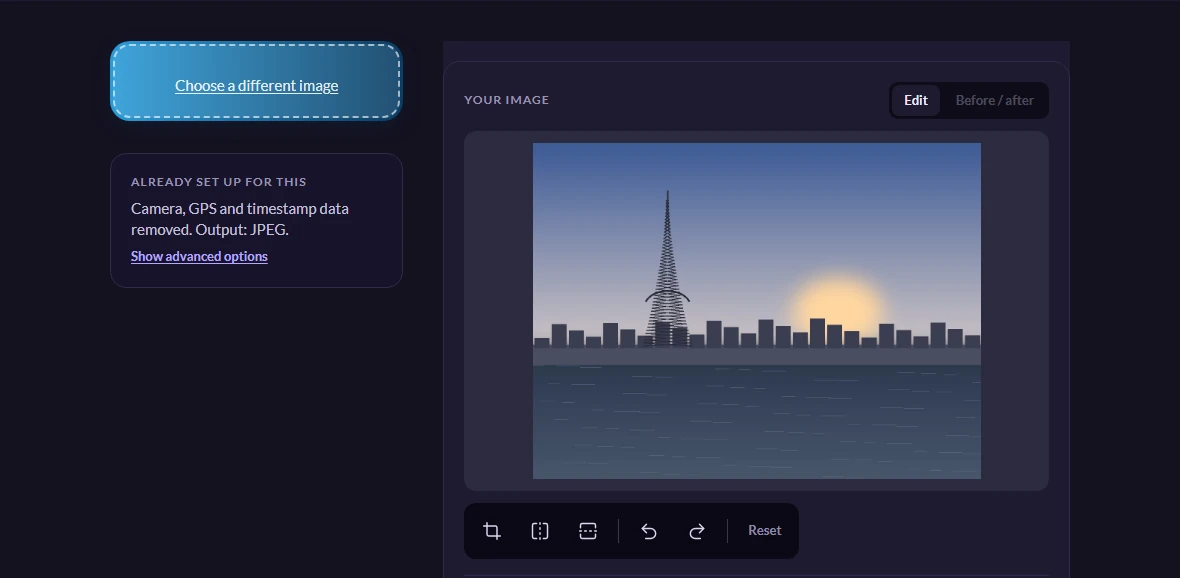
Once you have seen what is there, the link at the foot of the report goes to Remove EXIF data from a photo and takes the picture with it. You do not choose the file again — it is already on the page when you arrive, waiting.
Removing it is the default on that page: there is no box to tick and no setting to find. You get back the same picture with the notes taken off, and the pixels unchanged. The pair is meant to be used in that order — see what is there, then decide — which is why checking and removing are two pages rather than one.
Worth knowing
Why the position is written twice
The report gives the same spot in two forms, and they are not alternatives. Degrees, minutes and seconds — 48° 51' 29.6" N — is how the camera recorded it and how most maps say a position back to you. The pair of decimals underneath is the same point written for machines: that is the form you paste into a search box, a spreadsheet or a message.
The letter at the end is doing more work than it looks. N and S, E and W are the only thing separating the northern hemisphere from the southern and east from west — drop it, or read it as a decimal without the matching minus sign, and a position in Paris becomes one in the South Atlantic. If you copy coordinates out of here by hand, copy the letter with them.
Why the photo is never uploaded
Reading EXIF needs nothing but the bytes, and the browser already has them. So this page has no server side at all — there is no address to send a photo to even if it wanted one.
The page itself loads like any other page here, advertising included, so your browser's network panel will not be empty if you go looking. What you will not find in any of those requests is your photograph or anything out of it.