 Free Online Image Optimizer
WebP to JPG, and the one thing to check first
Almost nobody chooses to have a WebP. You saved a picture from a website and this is what arrived, and now something you want to use it in will not take it. This walks through the conversion, which is the easy part, and through the case where JPG is the wrong destination and will quietly ruin the picture.
Why you have one at all
WebP is an excellent format for a web page and websites have been serving it for years, so "save image as" increasingly hands you one. It is a poor format for handing to other software, which is the situation you are in.
What actually refuses a WebP, in practice: some older desktop image editors, upload forms that validate the file extension against a list, the occasional print or design workflow, and a few mail clients that will preview a JPG in place but offer a WebP only as a download. Browsers are not the problem — every current one reads WebP — which is why this only bites once the file leaves the browser.
Hand it the file
One, or up to twenty. They can have come from anywhere.
It is converted and compressed in the same pass, so you are not simply swapping a small container for a larger one — which is what a plain format change would do, since JPEG is generally less efficient than WebP at the same visual quality.
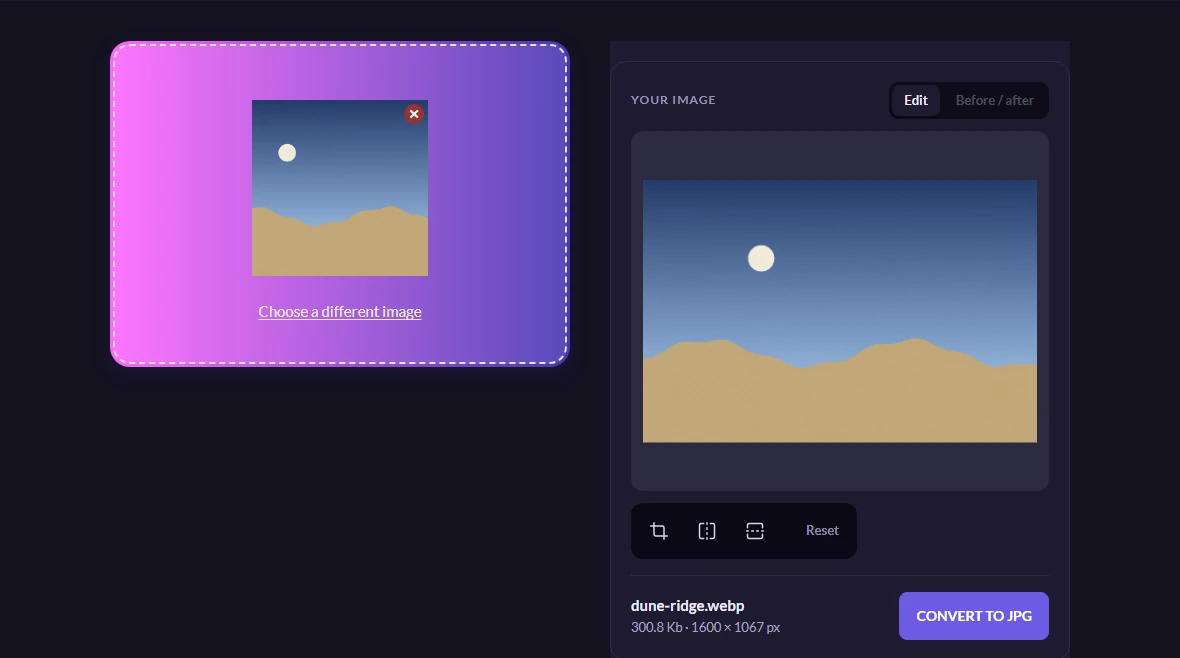
What you get, and what it costs
A JPEG, at a width and quality that suits a photograph, which will open in anything you point at it. The page reports what it weighs once you have it.
Expect the JPEG to be somewhat larger than the WebP was at the same apparent quality. That is not a fault in the conversion — it is the reason WebP exists. You are trading bytes for compatibility, deliberately.

Worth knowing
Check for transparency FIRST
This is the one that catches people. JPEG cannot store transparency at all, so if your WebP is a logo, an icon or a cut-out with no background, the empty area has to be filled with something.
Measured on this site's pipeline: it fills in black. Not white — black. A mark drawn in dark colours for a light page comes back as a dark rectangle with your logo barely visible inside it, and it looks like the tool broke rather than like a background was added.
If the picture has a transparent background, convert it to PNG instead. If you are not sure whether it does, open it in a browser: a transparent area shows as the page behind it, usually white, and a white background stays white when you scroll it over something dark.
Doing a lot of them
Twenty per pass, same as everywhere else here, and the whole set comes back as one zip. If you have a folder of saved images and you are not sure which are WebP, converting the lot is harmless — anything already a JPEG comes back as a recompressed JPEG.
Going the other way
If what you actually want is smaller files for your own web pages, that is the opposite conversion, and it is the one worth doing.