 Free Online Image Optimizer
JPG to WebP, and when it is worth doing
WebP is what a photograph on a web page should be in 2026: the same picture as a JPG at roughly two thirds of the weight, readable by every browser anyone is still using. This walks through converting a set of photographs and, more usefully, through the two or three situations where a JPG is still the right answer.
Start with the largest files you have
The tool is at Convert JPG to WebP, which is the ordinary optimiser with one format chosen and everything else left alone. You do not have to set anything up.
Use the original photographs rather than copies that have already been shrunk somewhere else. The saving is proportional, so a 4 MB original has far more to give than the 300 KB version of it that came out of a chat app — and each re-encode of an already-compressed JPG costs a little quality that never comes back.
Despite the name on the door it will take a PNG or a HEIC too. Anything you drop here comes back as WebP.
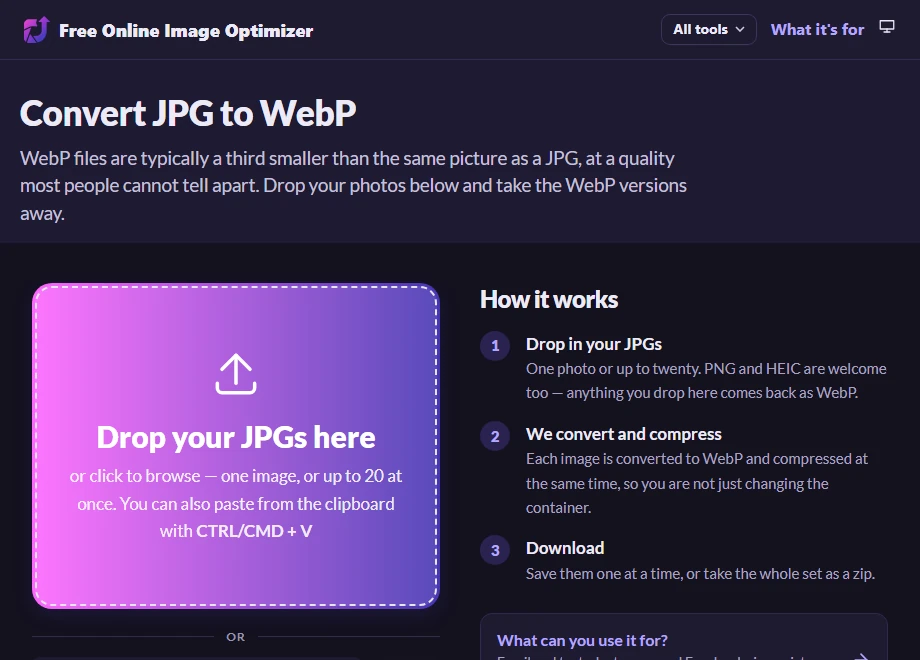
Drop in up to twenty at once
Drag the files over, or click the drop zone and select them. Selecting the whole set in your file manager and dragging them together is the fast way; the twenty-file limit is per pass, not per day.
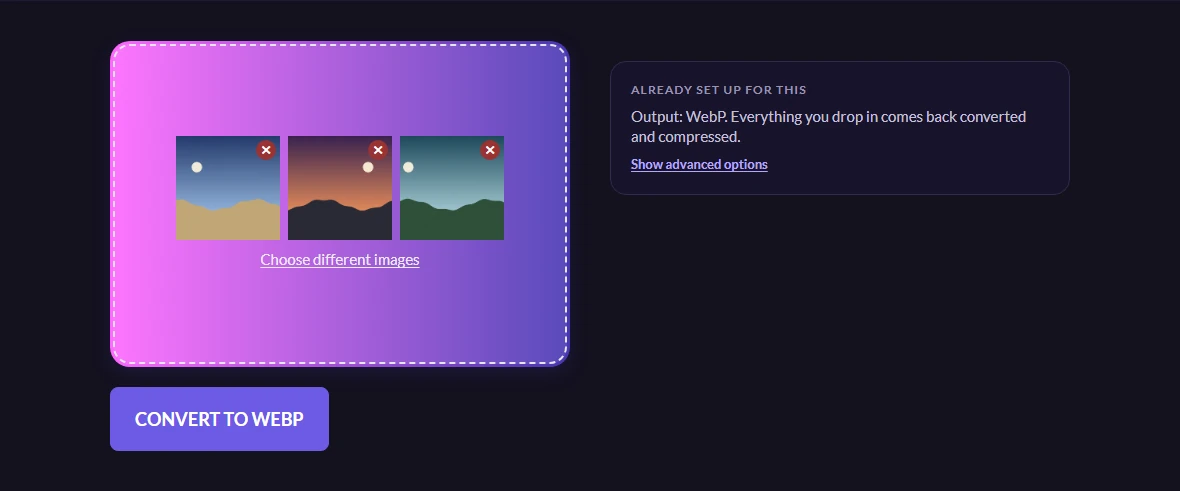
Choosing the files does not send them. They are staged in the page, and the button that appears counts what it is about to make — so a stray selection is visible before any of it goes anywhere.
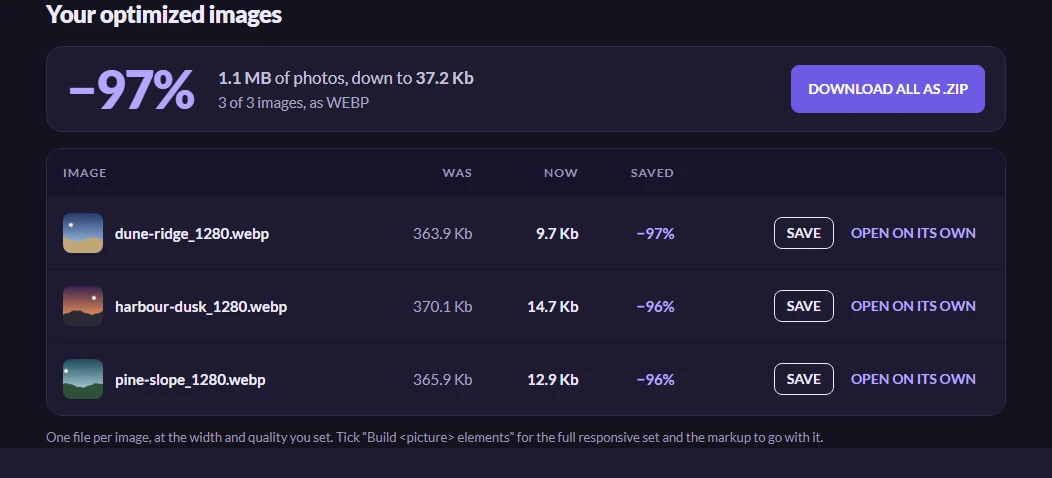
Read the saving before you use the files
Each row shows what that photograph weighed before, what it weighs now, and the percentage saved. It is worth a glance rather than a skip: the saving on a photograph is usually somewhere between a third and two thirds, and a file that barely moved is telling you something — usually that it had already been compressed hard by whatever produced it.
This is a conversion and a compression in one pass. You are not simply putting the same pixels in a different container, which is why the numbers move as much as they do.
Take the set as a single zip, or save any one of them from its row.
Worth knowing
Who still cannot open a WebP
Every browser in current use can, and has been able to for years — this stopped being a real objection around 2020. What has not caught up is software away from the browser: some desktop image editors, a few email clients that will show a JPG inline and treat a WebP as an attachment, and the odd upload form that checks the file extension against a list somebody wrote in 2015.
So the rule of thumb is about the destination rather than the file. For your own web pages, WebP. For a file you are sending to a person or a form, a JPG will cause fewer conversations.
Do not convert back and forth
Both JPG and WebP throw information away to get small. Converting a JPG to WebP costs a little quality; converting that WebP back to a JPG costs a little more, and so on. It is invisible once and cumulative if you keep doing it, so keep the original somewhere and convert from that.
If you need a fallback as well
For a web page, the better answer is usually to ship WebP and a JPG and let the browser pick — which is a different tool and has its own walkthrough. Use this page when you want the WebP itself.