 Free Online Image Optimizer
PNG to WebP, with the transparency intact
PNG is honest and heavy. It stores every pixel exactly as given, which is why your screenshot tool and your designer both hand you one, and why a logo that is mostly empty space can still be a megabyte. WebP holds the same picture, keeps the transparency, and is usually a small fraction of the size. This walks through it with a logo, because transparency is the thing worth checking.
Why the PNG is so large
PNG is lossless: nothing is thrown away, ever. For flat colour — a logo, an icon, a diagram, a screenshot of a user interface — that is efficient and the file is reasonable. For anything with a gradient, a photograph or a soft shadow in it, lossless means storing every subtle variation exactly, and the file becomes enormous for no visible benefit.
Convert PNG to WebP is set to output WebP with transparency kept, and takes up to twenty files at a time.
Drop the PNGs in
Screenshots, logos, exported artwork, anything with a background you need to stay invisible.
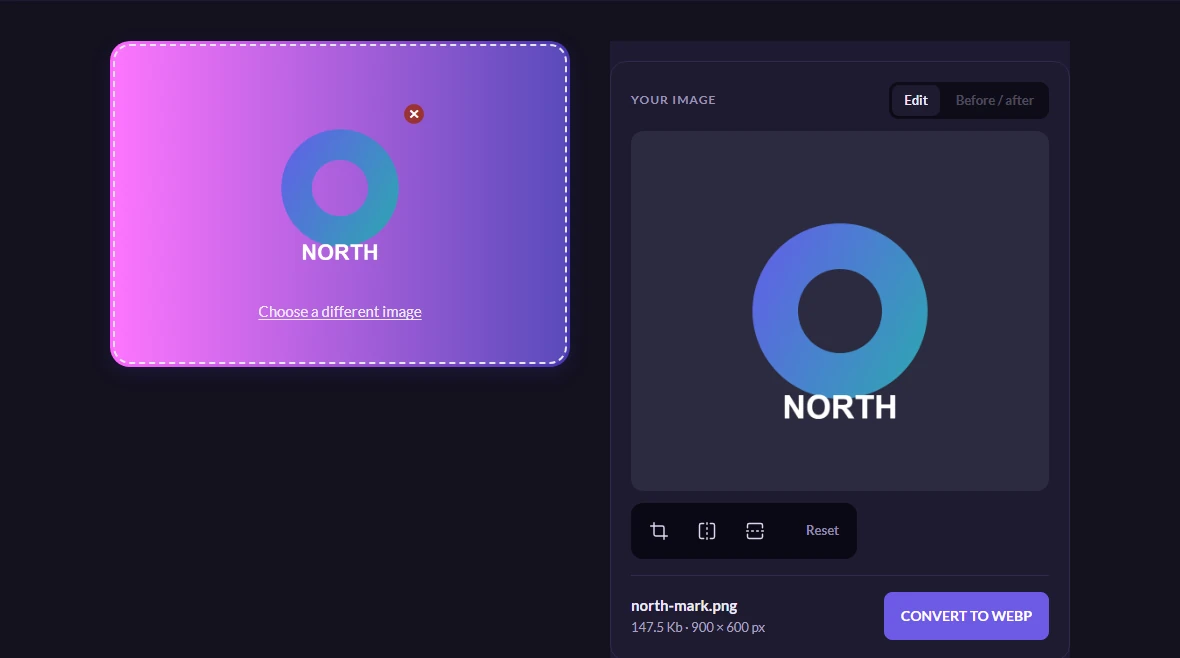
The picture staged below is a mark with a genuinely transparent background and a hole through the middle of it — the kind of file where a conversion that quietly filled the transparency in would be obvious.
The saving, and the proof
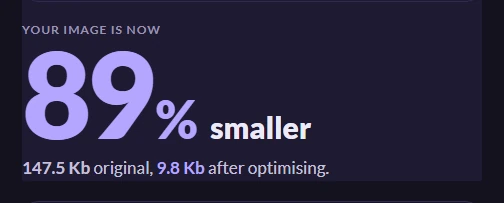
The saving on a mark like this is not subtle, and the page reports it once the file is yours. One picture in one format is one version, so the table under it has a single row — the same before, after and percentage you would get for twenty.
The transparency survives, measured rather than assumed: the mark above went in as a PNG, the WebP that came back was decoded, and the middle of the hole is still fully transparent — not white, not black, nothing. WebP carries a proper alpha channel, which is the whole reason it is the right destination for a PNG.
Worth knowing
Do not also tick JPEG for this
JPEG cannot store transparency at all. Turn JPEG on in the advanced options for a transparent picture and the empty area has to become some colour, and the colour it becomes here is black — measured, not guessed. On a mark drawn for a light page that reads as a bug rather than as a background.
For a transparent picture the sensible set is WebP, with PNG as the fallback for anything that cannot read WebP.
When the PNG has to stay a PNG
Some software still wants one: a print workflow, an older design tool, an upload form that checks the extension. If something is going to reject a WebP, converting it is not a saving, it is a support ticket. WebP is for the web, where nothing will reject it.
What about AVIF
AVIF is usually smaller again and also handles transparency, but it is slower to encode and a little less universally supported away from browsers. If you want both, and the markup that serves whichever the visitor can read, that is the responsive walkthrough.