 Free Online Image Optimizer
Cutting one picture into a grid of smaller ones
Two jobs that sound unrelated turn out to be the same cut. One is a single image posted as a block of squares that only reassembles into the whole picture if the pieces line up exactly. The other is a developer holding one file of forty animation frames who needs forty files. Both want an even grid, both are ruined by the same arithmetic mistake, and this page does both. Here is what the tool shows you while you decide, and what arrives when you press the button.
Cut one picture into a grid of smaller ones →
You choose by looking, not by arithmetic
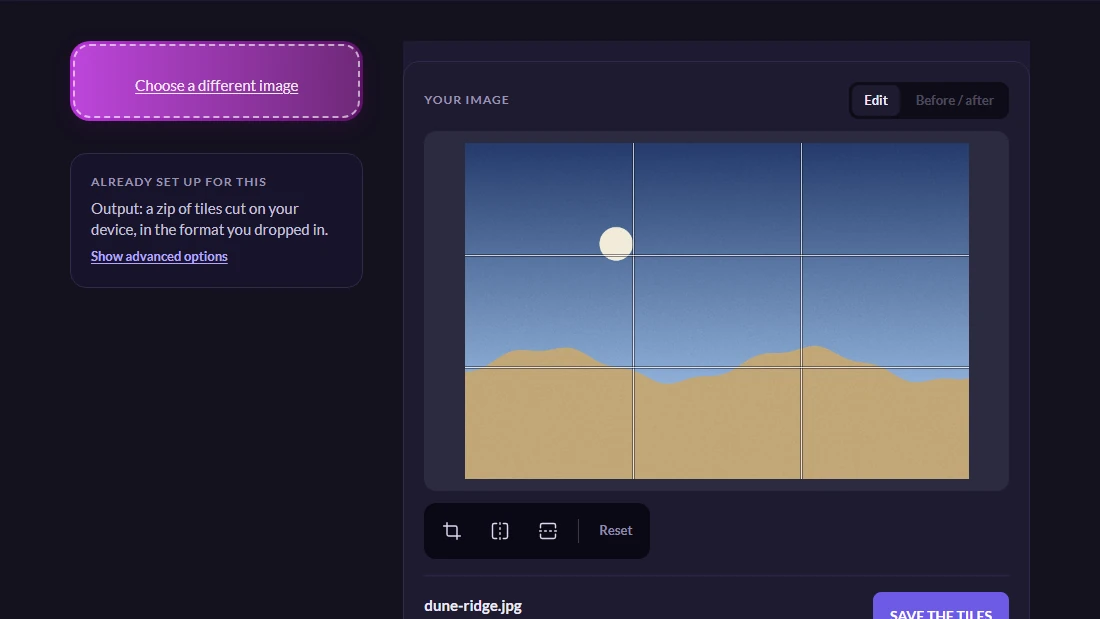
Open Split an image into tiles and hand over one picture. Lines appear across it immediately, showing exactly where it is about to be cut.
That is the whole interface, and it is drawn on the picture rather than described in numbers on purpose. Whether three by four is the right choice is not a question anybody can answer from two menu values — it depends on where the horizon is, where a face is, whether a cut would land across the one thing the picture is of. Seeing the lines over your own photograph answers it in a second.
Move either menu and the lines move with them. Nothing is processed while you do this, so trying five arrangements costs nothing at all.
The numbers underneath are the ones worth checking
Below the picture the page says how many pieces you will get and roughly how large each will be. For a profile block the count is what matters. For a sprite sheet it is the size, because the cut is right when a tile comes out the dimensions of one frame — if you know a frame is 96 pixels wide and the line reads 94, the column count is wrong and no amount of saving will fix it.
There is a button that sets the rows to match the columns in one press. Anybody cutting a picture for a profile block wants the same number both ways, and setting two menus to one value is a small annoyance repeated by everyone who comes here for that reason.
It says “about” that size, and the word is accurate rather than vague. A width that does not divide evenly has to put the remainder somewhere, so individual tiles can differ by a single pixel. The section below explains why that is the right behaviour and not a rounding bug.

A single row is how a sprite strip is cut
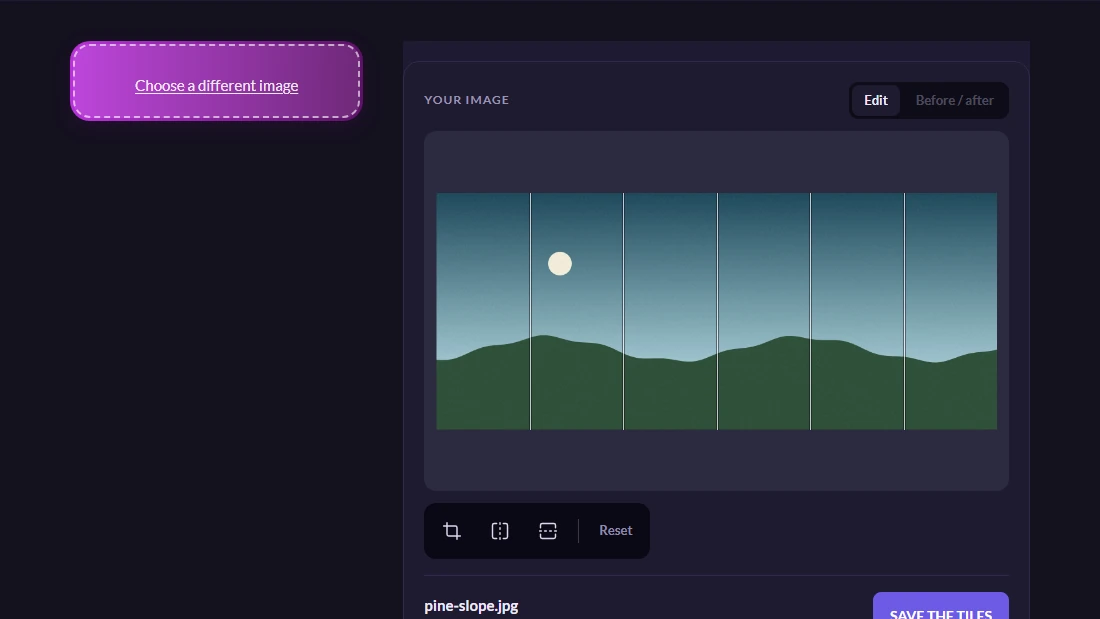
Set the rows to one and the columns to however many frames are in the strip, and the same tool does the developer's job instead of the social one. Twelve across and one down turns a strip into twelve files.
The pieces are numbered in reading order and the numbers are padded, which sounds like a detail and is the thing that makes the result usable. Without padding, a file listing sorts frame ten before frame two, and an animation assembled from that order plays in nonsense. A strip also gets one number per file rather than two, because a row and column reference where the row is always one is a coordinate with a constant in it.
Nothing is uploaded on this page. The cutting happens in your own browser, so the picture is never sent anywhere and no copy is stored — and that is not a compromise, because slicing a picture up moves pixels around and there is nothing a server could contribute that your own machine cannot do faster.
What is in the zip, and the arithmetic behind it
The pieces arrive as an archive, each named for its position, alongside a small page that lays them back out in their grid. Open that page by double-clicking it and you see the picture reassembled with no spacing at all between the pieces — which is the point. The one thing anybody wants to verify about a set of tiles is whether the cut was clean, and any gap would hide exactly the flaw you were checking for.
The reason it will be clean is worth a paragraph, because getting it wrong is the standard way this feature fails elsewhere. The obvious way to divide a thousand pixels into three is to work out that each piece is three hundred and thirty-three, and hand back three pieces that size. That loses the final column of the picture. On a photograph nobody ever notices; on a posted grid the join between two squares is precisely where an eye goes, and on an animation a frame that is short by a sliver makes the whole thing stutter.
So each dividing line is positioned individually and rounded to its own nearest pixel instead. Pieces then vary by at most one pixel, they meet exactly, and every pixel of what you started with ends up in exactly one of them.
Worth knowing
Squares, and what to do first if you want them
Three by three of a rectangular photograph gives nine rectangles, not nine squares, because the pieces inherit the proportions of what they came from. If squares are what you are after — and for a profile block they usually are — crop the picture square before you cut it, then divide it evenly. Doing it the other way round means cropping nine files instead of one.
The format is also inherited. A picture that arrives as a PNG leaves as PNGs and stays pixel-exact, which is the case that matters most here, since screenshots and sprite sheets are almost always PNGs and re-encoding one as a JPEG would blur precisely the flat colour and sharp edges they are made of.